Login and CMS
The PIBR Content Guide provides you with step-by-step instructions on how to fill out all necessary content for your hotel's Park Inn by Radisson App.
1. Content
Manage app content using the Portal's Content Management System (CMS).
2. Operations
Set up Staff User accounts, notifications and more through the Staff Management System. Practice submitting guest requests and fulfilling them through the Request Management System (RMS).
3. Marketing
Implement specially tailored marketing materials to immediately drive app usage and revenue.
Logging In
Start the Deployment process by logging into the Runtriz Portal using the URL and login credentials provided to you.
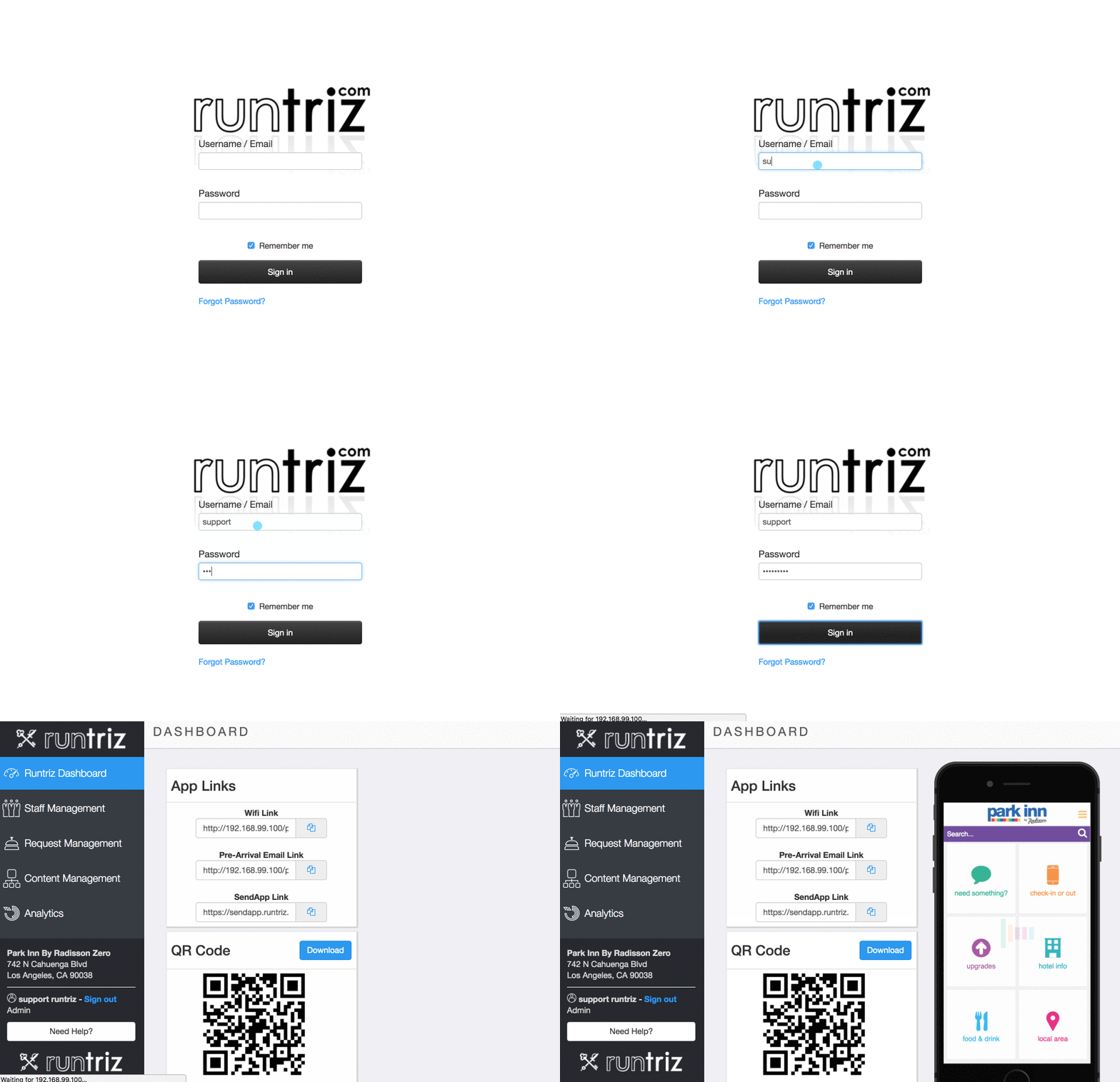
After logging in with your credentials, you will land in the Runtriz Dashboard which contains marketing tools, guides, and an app preview.
CMS
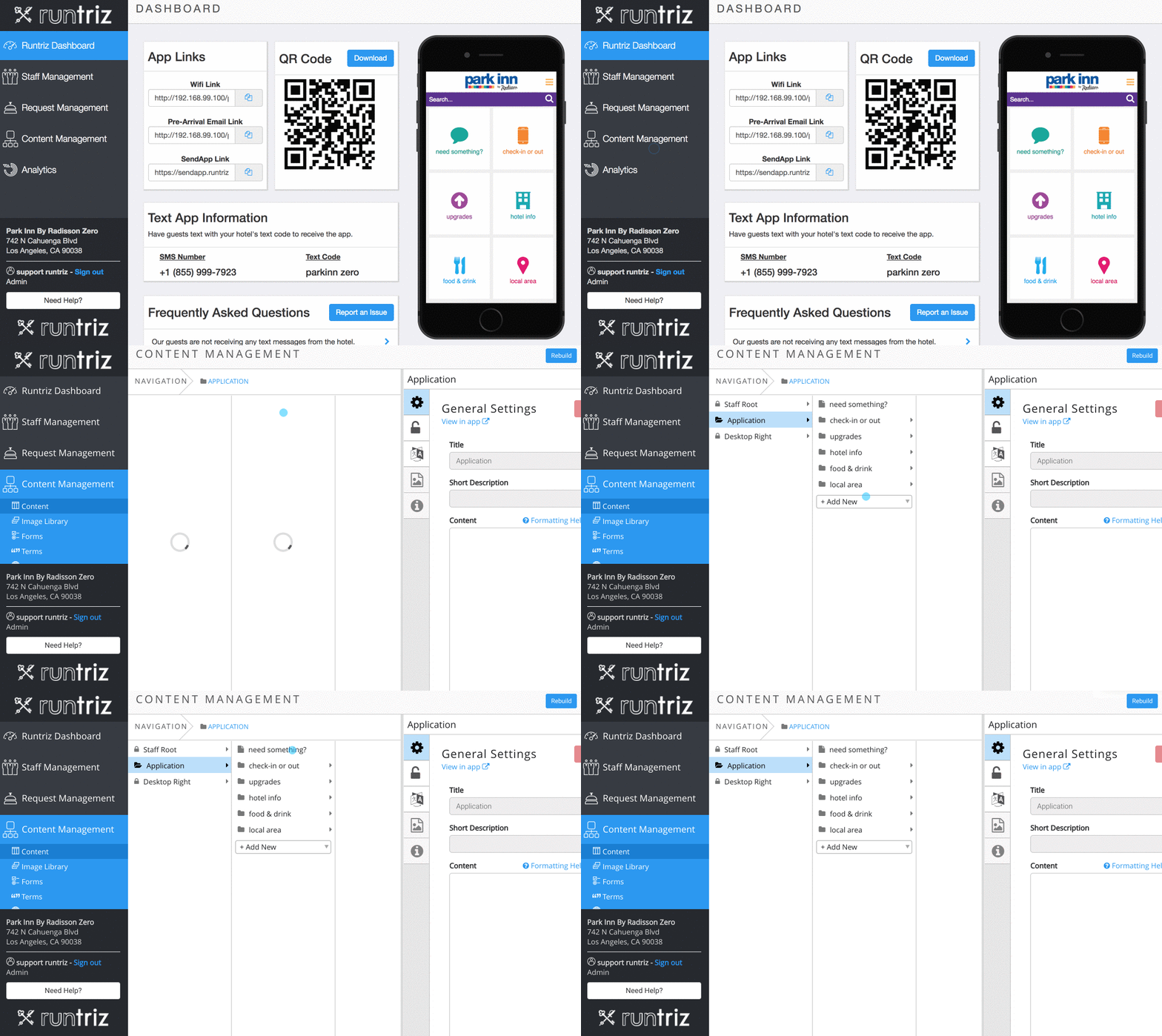
The Content Management System is the backend of your Park Inn by Radisson App.
Edits made on your App can be verified on the App Preview in the Runtriz Dashboard.
Deployment
- Introduction
- Login and CMS
- Content: Upgrades
- Content: Hotel Information
- Content: Hotel Information - Parking
- Content: Hotel Info - Fitness / RunInn Routes
- Content: Food & Drink - Restaurants, Kiosk
- Content: Food & Drink - In-Room Dining
- Operations: Staff Users
- Operations: Staff Alerts
- Messaging Templates
- Operations: Staff Training
- Marketing